MAINFRAME Docs MAINFRAME Demos Guides Projects Shop
CTRL K
    • Light

    • Dark

    • System

    CTRL K
      • Demos
        • Drum Beat on the Lights
        • Movement on the Lights
        • Multi-MAINFRAME Synth
        • Audio-Visual Dialogue
        • Reality Itself is Fluid
        • Composing with the Vortex
        • Painting with Sound and Light
        • Exploring Analog RGB
        • Piano + LED Strip
      • Documentation
        • Overview
          • General Principles
          • What MAINFRAME-B Is Not
          • MAINFRAME Engine
          • Applications
          • MIDI Input
        • Hardware
          • MAINFRAME-B Board
          • User Interface
          • USB & 5-pin MIDI
          • LEDs
          • LED Cable
          • Power Supply
          • Hardware Specifications
        • Setup
          • Connect Hardware
          • Demo Mode
          • Ableton Setup
          • FL Studio Setup
          • Connecting 5-pin MIDI
          • Changing Max LED Count
          • Digital Piano Setup
          • AUM iOS Setup
        • Common Configurations
          • USB DAW
          • 5-pin MIDI
          • MIDI Controller or Keyboard
          • Mobile Device
          • Chained LEDs
          • Wall-Powered
          • Split LEDs
          • USB Battery
        • Using MAINFRAME-B
          • Focus vs. Ambiance
          • Factors of Influence
          • Automation vs. Control
          • Shaping an Experience
          • Just Send MIDI
          • Lights as a UI
        • Zones
          • UI
          • Changing MIDI Channel
          • Zone Interaction
          • Common Uses
        • Parameters
          • UI
          • Automation
          • Parameter List
          • Animation Modes
          • CC Chart
        • Modulation
          • UI
          • pRG & vRG
          • Automation
          • Common Uses
        • Presets
          • UI
          • Automation
          • Cycling Presets
        • Scaling Your Installation
          • 12V LEDs (WS2815)
          • Multiple MAINFRAMEs (USB)
          • Multiple MAINFRAMEs (5-pin MIDI)
          • MIDI Channeling Schemes
        • FAQs
        • Advanced
          • Global Configuration Menu
          • Simulated MIDI Stream
          • Portable Installations
          • Startup Animation
        • Reference
          • Warnings
          • Changelog
          • Downloads
        • Troubleshooting
          • No Lights Displaying
          • Glitchy Lights
          • No Output
          • Flickering
          • Device Not Detected
      • MAINFRAME
        • MAINFRAME-B
        • MAINFRAME-N
      • Projects
        • Large LED Cube
        • Small LED Cube
        • Standing Pillars
        • Small Diffuser Square
        • Large Diffuser Square
        • Grid Wall
        • Infinity Mirrors
        • Disco Ball of the Future
        • Christmas Tree
        • Piano Backglow
        • Whole Room Ambiance
      • About
      • Continue Setup
      • Explore
      • Guides
        • Make Your Lighting System Completely Portable
        • AUM (iOS) with MAINFRAME-B
        • Considerations When Buying
        • Live Lighting Effects with MIDI CC and Ableton
        • MAINFRAME-B & Ableton Starter Project
        • "Seeing" Sound with Ableton & MAINFRAME-B
        • Individually Addressable LEDs vs. Normal LED Strips

      MAINFRAME

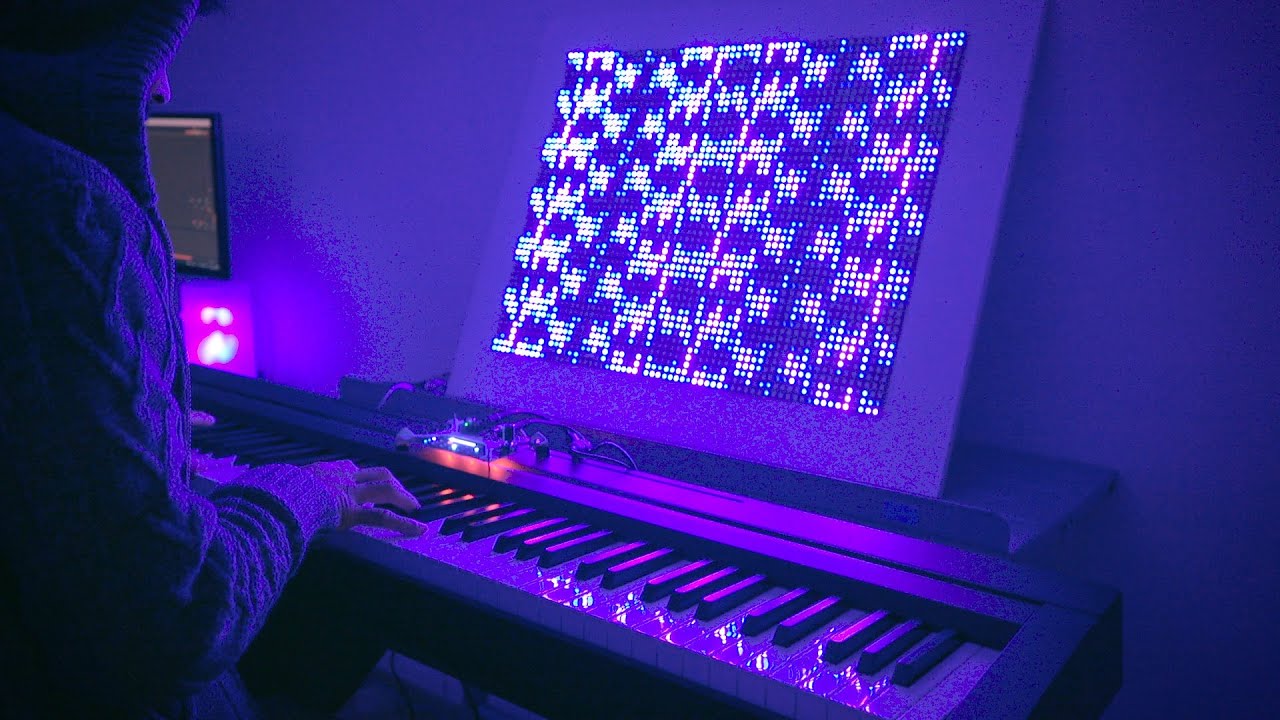
      MAINFRAME is an innovative visual instrument enabling music producers, performers and commercial spaces to explore multi-dimensionality.

      Learn More
      Learn More

      See it in actionSee it in action
      Interactive examples and proof-of-concept builds.
      Build IdeasBuild Ideas
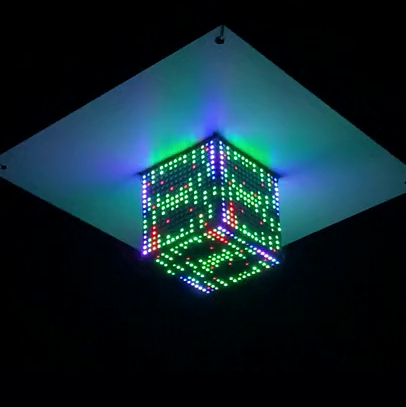
      Deeper builds and real-world installations.
      DocumentationDocumentation
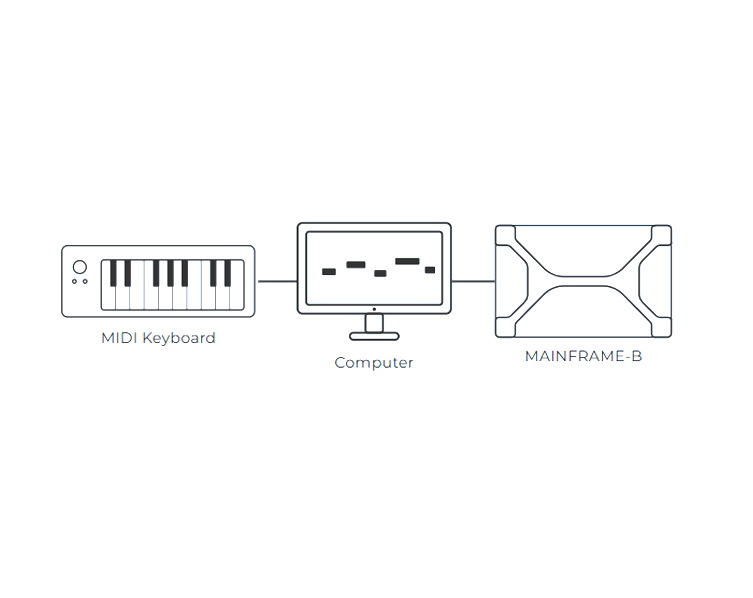
      Start here for setup, concepts, and core guides.

      Go Deeper

      ShopExplore Topics
      Entry points tailored to specific interests.
      Continue MAINFRAME-B Setup
      You’ve unboxed — now get to first light and the right software setup.
      Project by Synthetic State Continue setup About Contact Us