AUM iOS Setup
Use AUM on iOS as a MIDI source to drive MAINFRAME-B. This is useful for mobile rigs and portable setups.
See guide below:
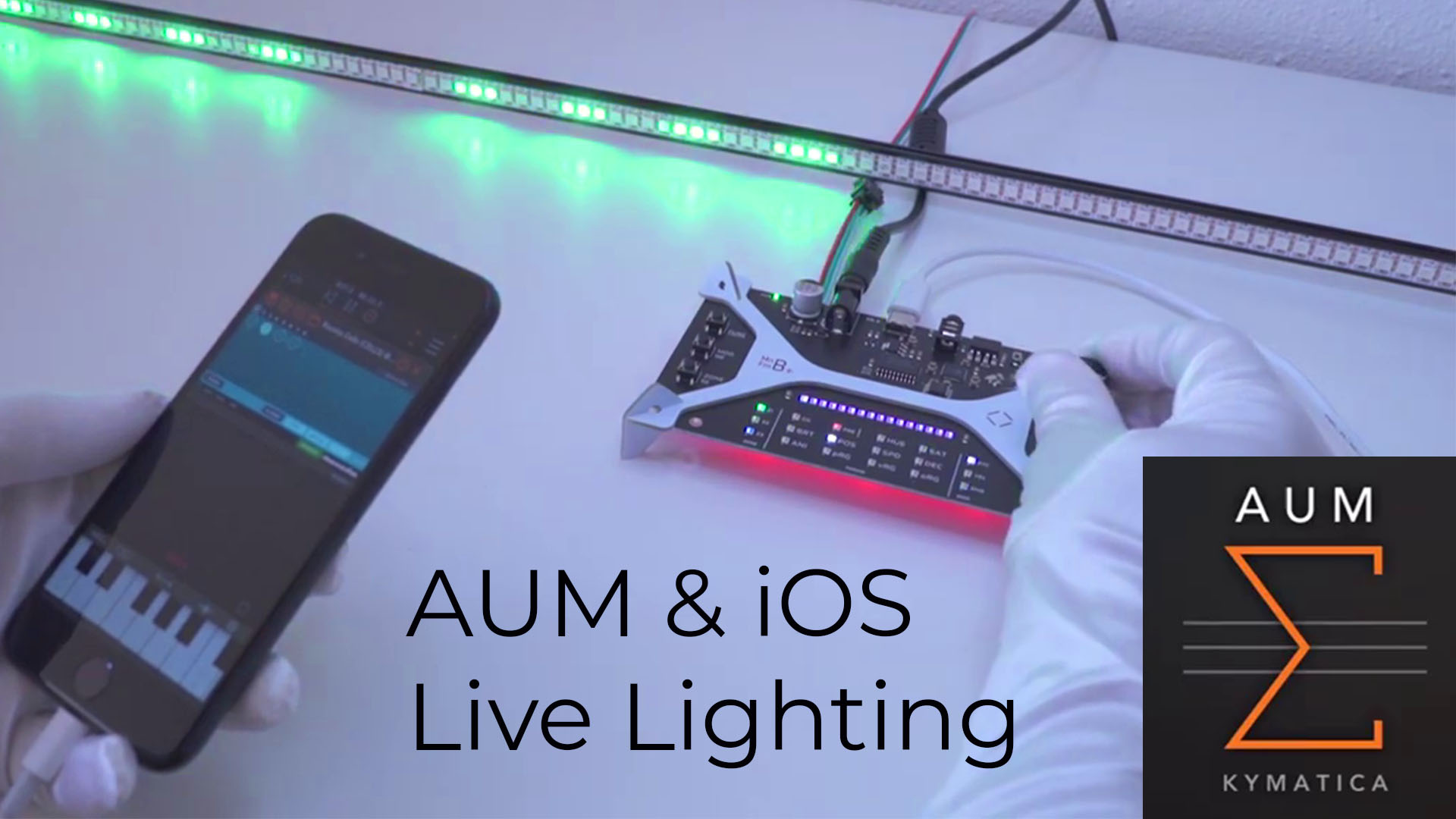
Basic Connection
- Connect MAINFRAME-B to your iOS device using a USB adapter.
- Power MAINFRAME-B (USB powers the controller, not the LEDs).
- Open AUM and add a MIDI source.
- Route AUM’s MIDI output to MAINFRAME-B.
- Send notes and confirm a zone LED blinks on note-on.
Common Checks
- Use a powered hub if your adapter cannot supply enough power.